How to Create a Discord Bot in 5 Minutes (No Code Required)
Step-by-step guide to building a fully-featured Discord bot without writing a single line of code. Moderation, tickets, economy, and more — ready in minutes.
Creating a Discord bot used to mean spinning up a Node.js project, learning discord.js, registering slash commands by hand, and babysitting a server to keep it online. Today, you can have a production-grade bot running in your server in under five minutes, with zero code. Here is exactly how.
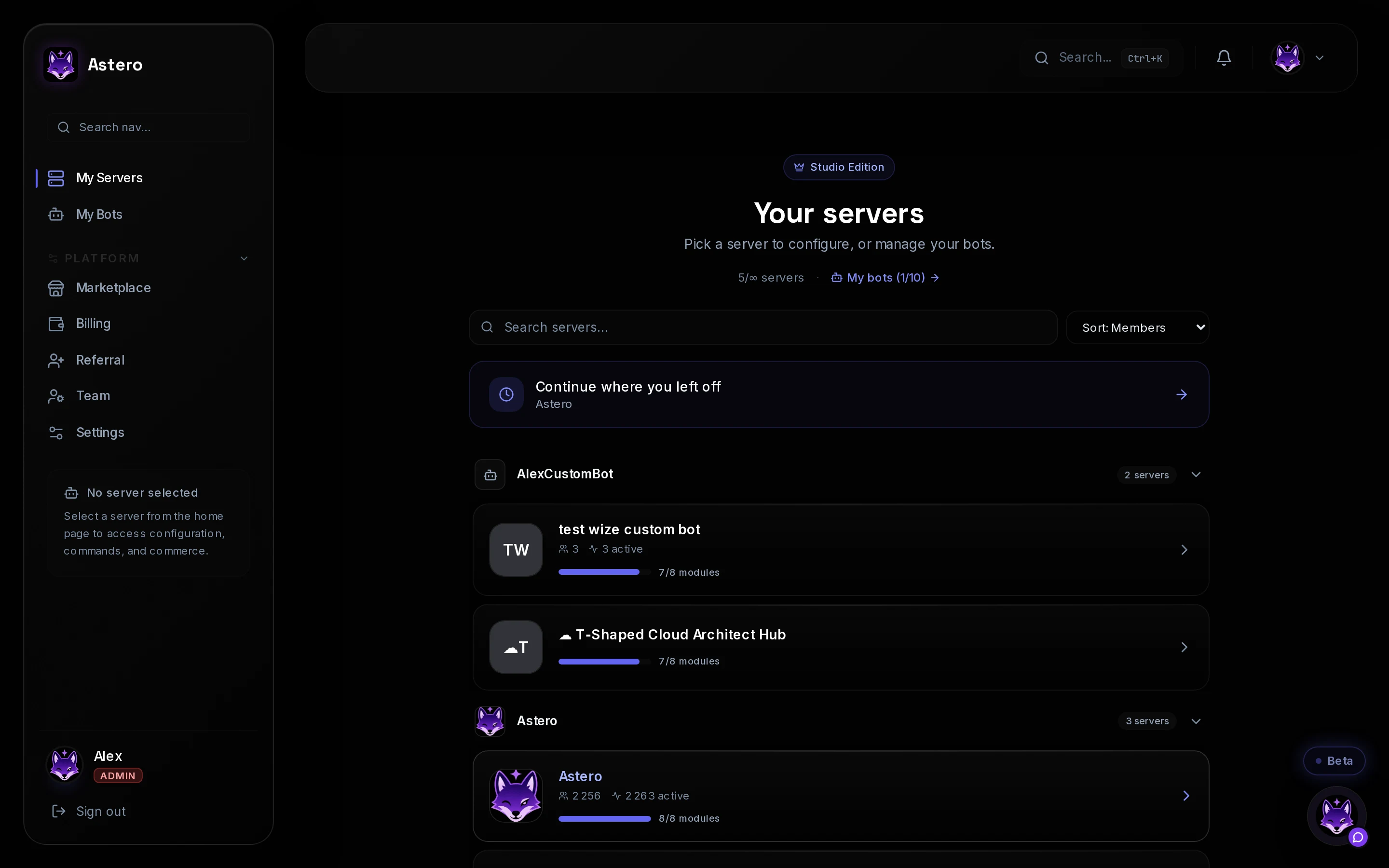
What you get without writing any code
Modern no-code Discord bot platforms like Astero ship with the features communities actually need, already built and tested:
- Moderation — auto-mod against spam, toxicity, and raids
- Tickets — a full support system with categories, notes, and routing
- Economy — multi-currency wallets, banks, and daily rewards
- Leveling — XP from text and voice, with leaderboards
- Shop — sell digital goods and accept Stripe payments
- Giveaways — cryptographically fair winner selection
- AI-powered replies — trained assistants for your FAQ channels
- 53 slash commands across 12 modules, ready out of the box
The 5-minute setup, step by step
Step 1 — Sign up (30 seconds)
Head to astero.gg and create a free account with your email. No credit card required for the FREE plan, which gives you 3 servers, all core commands, and shared infrastructure.
Step 2 — Add the bot to your server (1 minute)
From the dashboard, click Add to server. Discord will ask you to pick which server to add it to and confirm permissions. You need Manage Server permission on that guild. After you approve, the bot joins instantly and runs its self-setup.
The FREE plan uses a shared bot avatar and name. To get a bot that looks like your own brand, upgrade to PRO (€11.99/month) for a dedicated instance with custom avatar and name.
Step 3 — Configure modules (2 minutes)
In your dashboard, go to the Modules page for your server. Toggle on the features you want — shop, tickets, economy, leveling, moderation, and more. Each module exposes its own configuration tab, so you can fine-tune behavior without touching a config file.
Step 4 — Set up your first feature (90 seconds)
The most common first step: configure welcome messages or a support ticket category. Pick a channel, write the message template (you can use variables like {user} and {server}), save — done. Your bot starts responding immediately.
Step 5 — Invite your community (30 seconds)
The bot is live. Run /help in any channel to see the full command list. Your members can now open tickets, earn XP, check the shop, and more.
Why no-code beats writing your own bot
If you have the dev skills to build a Discord bot, you probably know the hidden costs: hosting, uptime monitoring, security patches, Discord API changes, rate limits, backup strategy, slash command deployment, shard coordination for large servers. A no-code platform absorbs all of that.
Astero runs on a single VPS behind Cloudflare with daily backups, Sentry error tracking, 99.9% uptime monitoring, and automated incident alerts. You would spend two weekends setting that up for your own bot — and then another weekend every time Discord deprecates an endpoint.
Frequently asked questions
Is it really free?
Yes. The FREE plan is permanent, with no trial expiry. You get 3 servers, all modules, and the full slash command catalog. Paid plans unlock more servers, dedicated bot instances, custom branding, and higher rate limits.
What if I outgrow the FREE plan?
Upgrading is instant. PRO (€11.99/mo) gives you 1 dedicated branded bot, 20 servers, and 500k AI tokens — the Creator flagship. GROWTH (€24.99/mo) gives 3 dedicated bots, 75 servers, analytics, webhooks, and social feed monitoring. ENTERPRISE (€99/mo) unlocks unlimited servers, whitelabel branding, and the bulk API.
Can I migrate my existing bot?
Yes. The dashboard imports your existing server configuration (roles, channels, member data) via OAuth. Your previous bot remains untouched — you can run both in parallel until you are confident in the new setup, then remove the old one.
Ready to start?
Sign up at astero.gg and you will have a fully configured Discord bot in your server before your coffee gets cold. The FREE plan costs nothing and takes 30 seconds to activate.